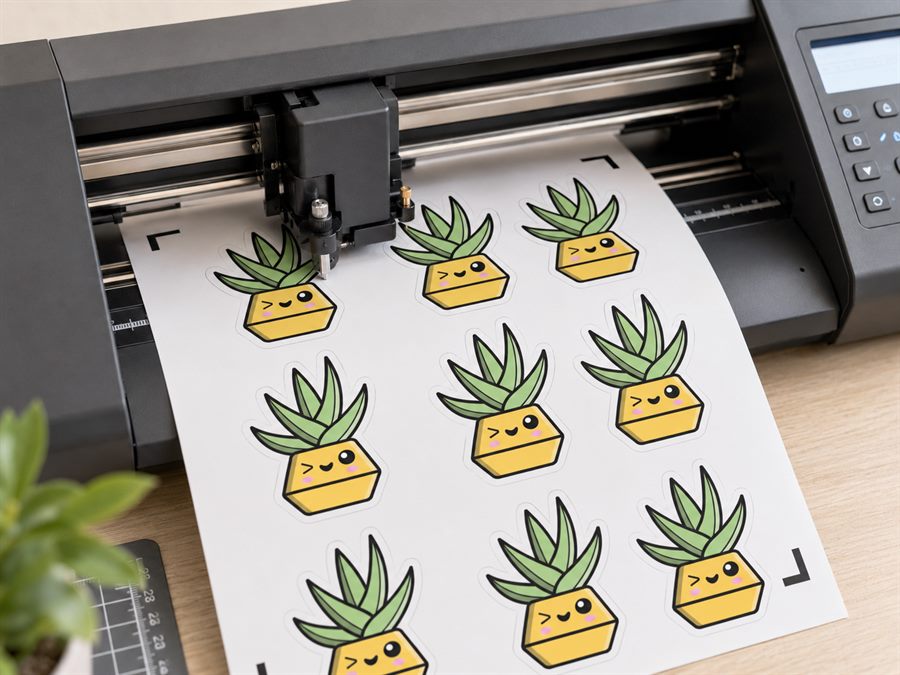
Cut Files for Holographic Stickers
Holographic and glitter stickers are what turn a normal sticker range into an "ooh" range. The rainbow only really works with the right vinyl choice - printable holo vinyl for full-colour designs, or solid holo vinyl for cut-and-lift decals. The cut file is the same as any other vinyl; the material stack is where the choice happens.
Two ways to get holo
People arrive here with a design and one of two goals:
- A printed full-colour sticker on a rainbow background - the holo effect shows through the ink from underneath, especially on light-coloured artwork. This uses printable holographic vinyl.
- A shiny cut-vinyl decal - a logo, word or shape cut out of solid holo vinyl and applied as a single-colour decal. Common for laptop stickers and helmet decals.
CutPath Pro exports the same SVG for both - the cut file traces your design and adds the machine's registration marks. The material choice is separate.
Printable holographic vinyl
Printable holo vinyl has an ink-receptive coating on top of a rainbow-holographic base. Any inkjet or laser design prints onto that coating; light-coloured or transparent parts of the design let the rainbow show through. Popular brands: Cricut Holographic Sparkle, Silhouette Printable Holographic, StickerYou's printable holo. Print at high quality (best or photo mode) so the ink density is high enough to hide the rainbow where you want a solid colour.
The cut file is unchanged. Use CutPath Pro's default 2.5 mm offset, or bump to 3 mm on light-colour designs where you want a visible rainbow halo around the edge.
Solid holo vinyl (cut only)
Solid holographic vinyl like Oracal 351 or DecoFilm holo is not printable - it's designed to be cut as a single-colour vinyl decal. Use it for:
- Text and word decals.
- Logo cutouts.
- Overlays on other vinyl layers (holo star on a matte background).
Trace your artwork in CutPath Pro, export the SVG, cut on the vinyl - no printing step. The blade needs to be slightly deeper than plain vinyl because the film is thicker and the top coat is glossy; test on a scrap first.
Layered stickers with a holo backing
The premium option: print your full-colour design on clear printable vinyl, then apply that as a top layer over solid holo vinyl backing. The holo shows through the clear areas of the print. This gives you the rainbow with true colour on the printed parts - not the muted-ink effect you get with printable holo.
The cut file is the same shape for both layers so they align exactly. CutPath Pro's default offset works, and you cut the same file on both materials.
Frequently asked
Can you print on holographic vinyl?
Yes - printable holographic vinyl exists for inkjet and laser. Solid holo vinyl (Oracal 351 series) is not printable and is designed for cut-only decals.
How do you get a design on non-printable holo?
Cut the design out of solid holo vinyl and use it as text or logo, or use the holo as a backing layer under a clear printed sticker.
Does the cut file change for holo?
No - the vector cut line is the same. Holo vinyl often needs a slower cutter speed because it's thicker, but that's a machine setting.
Get the file, pick the vinyl
Upload a PNG, get a machine-ready SVG for holographic or solid vinyl. First one free - no card needed.