PNG to DXF Converter for Cutters & CNC
DXF is the format older cutters, CNC routers and laser cutters read. It's an AutoCAD exchange format from the 1980s that survived because CAD, CAM and every serious cutting tool speaks it fluently. If your machine came with a DXF import option, this is the file it wants - and this converter produces one from a PNG in seconds.
When to use DXF instead of SVG
SVG is the default for modern vinyl cutters (Silhouette, Cricut, Roland) but there are three good reasons DXF is still the right choice:
- Older plotters - pre-SVG cutters (some Roland CAMM-1 units, older Graphtec CE-series, Summa DC-series) accept DXF over serial or USB.
- CNC routers & laser cutters - Shopbot, Onefinity, Glowforge and LightBurn all take DXF cleanly, with real-world units built in.
- CAD-side rework - engineers who need to add tabs, dogbones or lead-in/lead-out lines to a sticker outline before cutting on a CNC prefer DXF because their CAD tool understands it natively.
How the DXF is structured
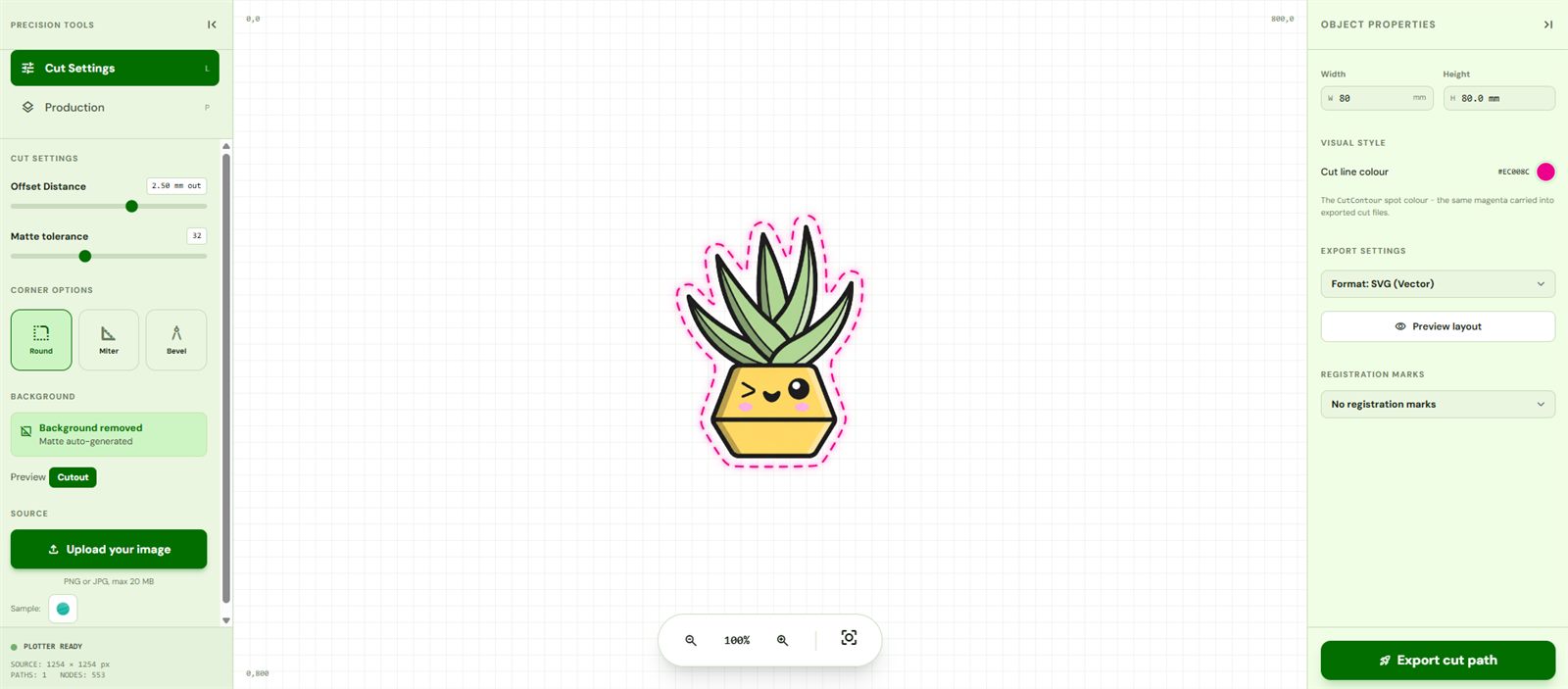
CutPath Pro's DXF export:
- AutoCAD 2004 (AC1015) format - the widest-compatibility version.
- Millimetre units - width matches the mm setting you chose in the editor.
- Single continuous polyline around the cut path - no fills, no colour regions, no double lines.
- One layer named "CutContour" so LightBurn, LaserCut and CAD software route it to the correct tool.
The workflow
- Upload the PNG (or JPG - background removed on the fly).
- Set the physical width in millimetres. This is critical for DXF - CNC and laser software will cut whatever size the DXF says, no rescale prompt.
- Adjust offset (0 mm for exact-shape CNC work, 2 to 3 mm for sticker die-cuts).
- Export as DXF.
Also available as SVG, EPS and PDF from the same job. One credit unlocks the design and every re-download in every format is free.
Frequently asked
Why DXF instead of SVG?
Older vinyl plotters that pre-date SVG import still take DXF. Most CNC routers, laser cutters and CAD software also prefer DXF because it uses real-world units.
What DXF version does it export?
AutoCAD 2004 (AC1015) - reads cleanly in every major CAD, CAM, CNC and cutting-software package.
Are the DXF units correct?
Yes - units are in millimetres. The width you set in the editor is the width in the DXF, no rescaling needed on the machine.
Get a DXF cut file in seconds
Upload the PNG, export as DXF at the right physical size. First one free - no card needed.