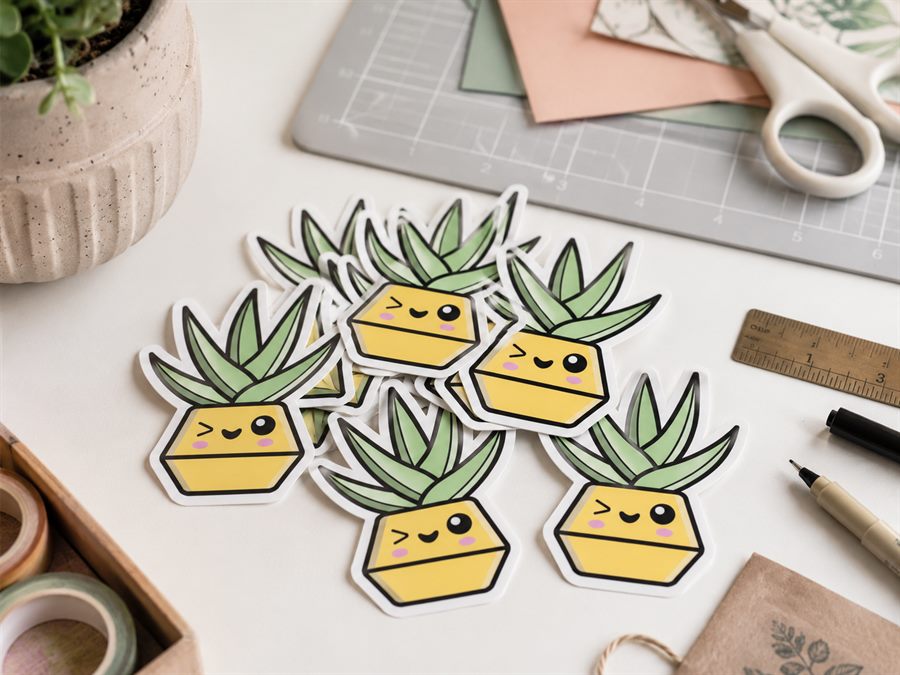
Cut Files for Etsy Sticker Shops
If you sell die-cut stickers on Etsy - or the SVG files that hobbyists print and cut themselves - you need a clean cut line around every design. CutPath Pro traces it from your PNG artwork in seconds, exports to every format the buyer's machine will read, and adds machine-specific registration marks for the shops selling ready-to-cut sheets.
Two Etsy shop shapes, one workflow
Etsy sticker shops fall into two camps. Print-and-ship sellers make the physical sticker: they print, cut and post it. Digital-download sellers sell the file itself, usually a printable PNG plus the cut-ready SVG the buyer feeds into Cricut Design Space, Silhouette Studio or a print service. CutPath Pro fits both - the print-and-ship shop needs a machine-ready cut file, the digital-download shop needs a clean SVG for the buyer's machine.
What buyers expect in the bundle
If you sell the file, buyers expect a small folder:
- The printable PNG at 300 DPI, with a transparent background.
- The SVG with the cut line as a stroke (usually magenta) on its own layer.
- A PDF preview so they can see it before importing.
- A short "how to use it in Cricut / Silhouette / Design Space" note.
CutPath Pro exports the SVG and the PDF preview from one upload. You keep the printable PNG you already have; the file bundle is complete in under a minute.
The offset that sells
Buyers judge sticker quality at the edge. Set the offset too small (under 1 mm) and any print-to-cut wobble shows a coloured edge on the sticker; set it too large (over 4 mm) and the sticker looks amateur, with a fat halo. 2 to 3 mm is the sweet spot. CutPath Pro's default of 2.5 mm hits it - nudge it up on rougher art or down on tight, technical designs.
Kiss cut vs die cut for Etsy dispatch
Sticker sheets ship better as kiss cut. The blade goes through the vinyl but not the backing so the whole sheet arrives intact and the buyer peels each sticker off individually. Single-character stickers ship as die cut, with the shape of the sticker itself as the outline. The cut file is the same for both - the depth of the cut is a machine-side setting, not a file setting. See our kiss cut vs die cut guide for the setup.
Registration marks for print-then-cut buyers
If your buyer is using a Silhouette Cameo or a Graphtec, the printable sheet needs registration marks the machine can read. CutPath Pro adds them per vendor: Silhouette gets the L-bracket + filled squares Studio expects, Graphtec gets the corner marks ARMS scans, Roland's PDF gets a CutContour spot layer VersaWorks recognises. Cricut's proprietary black rectangle isn't something any third-party tool can supply - for Cricut buyers, sell the SVG and let them add print-then-cut in Design Space.
Frequently asked
What file does Etsy buyers actually need?
For finished die-cut stickers you print and cut in-house, you need a vector cut file (SVG or PDF with a CutContour spot). For "sticker files" digitally, buyers usually want the printable PNG plus the cut-ready SVG so they can send it to Cricut, Silhouette or a print-and-cut service.
What offset should I use?
2 to 3 mm. Less than 1 mm and any print-to-cut wobble shows a coloured edge; more than 4 mm and the sticker looks cheap.
Kiss cut or die cut?
Sticker sheets sell better as kiss cut - the blade goes through the vinyl but not the backing so the sheet stays intact for delivery. Single character stickers usually ship as die cut with a small white border.
Etsy-ready in a minute
Upload the PNG, get a clean SVG cut file and a PDF preview. First one free - no card, no watermarks.